Beonos A stealthy smart remote for your vintage turntable.
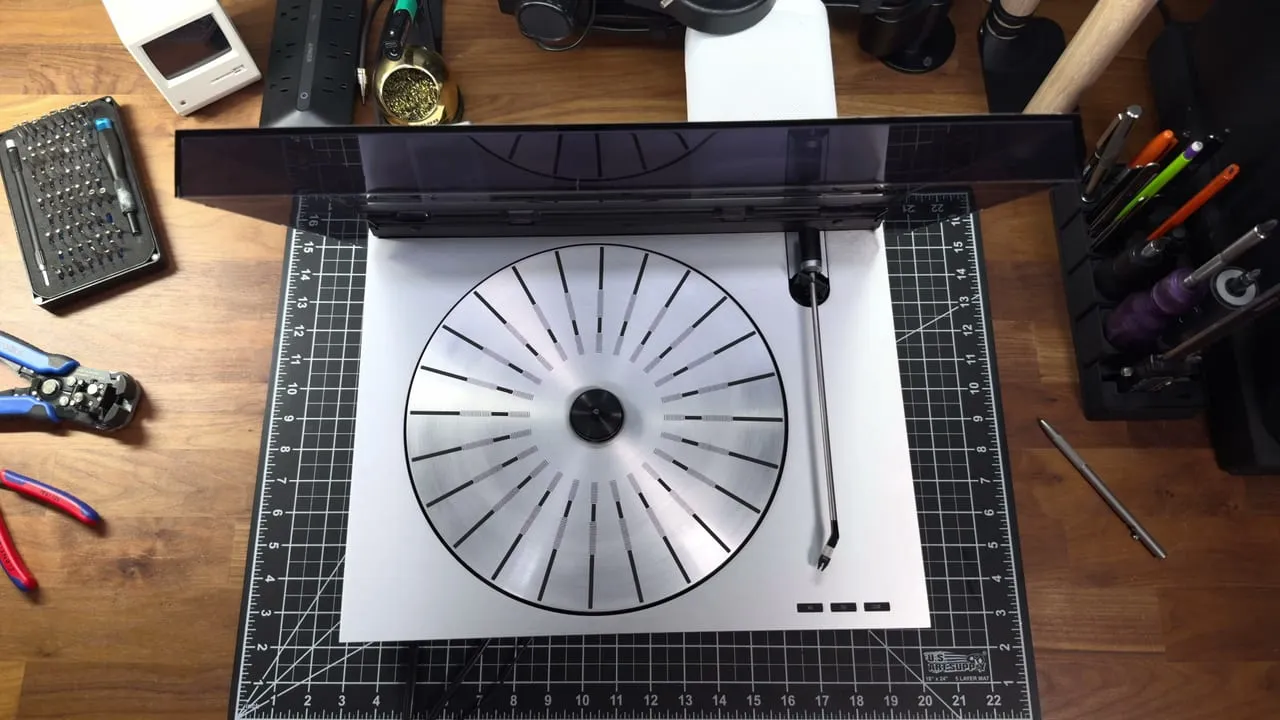
Beonos is a tiny ESP32 board that turns a vintage Bang & Olufsen Beogram into a smart turntable, one that behaves like any other Sonos source. I built it on a Beogram RX 2:
- Turntable → Sonos: start the turntable, and the speaker switches to Line-In and plays. Pause or switch it off, and the speaker pauses.
- Sonos → turntable: pick Line-In on the speaker, or press Play in the Sonos app, and the turntable starts. Switch away or pause, and it stops. If there’s no record on the platter, Beonos notices and pauses the Sonos rather than leaving it playing silence.
It also shows up in Home Assistant, so you can play, pause, and stop the turntable from anywhere, or build your own automations around it.
Nothing on the turntable is cut or changed for good. The board splices into the keyboard cable in-line: unplug its two headers, and the Beogram is stock again.
I filmed the whole build end-to-end, which you can find on  YouTube.
Buy it or build it
-
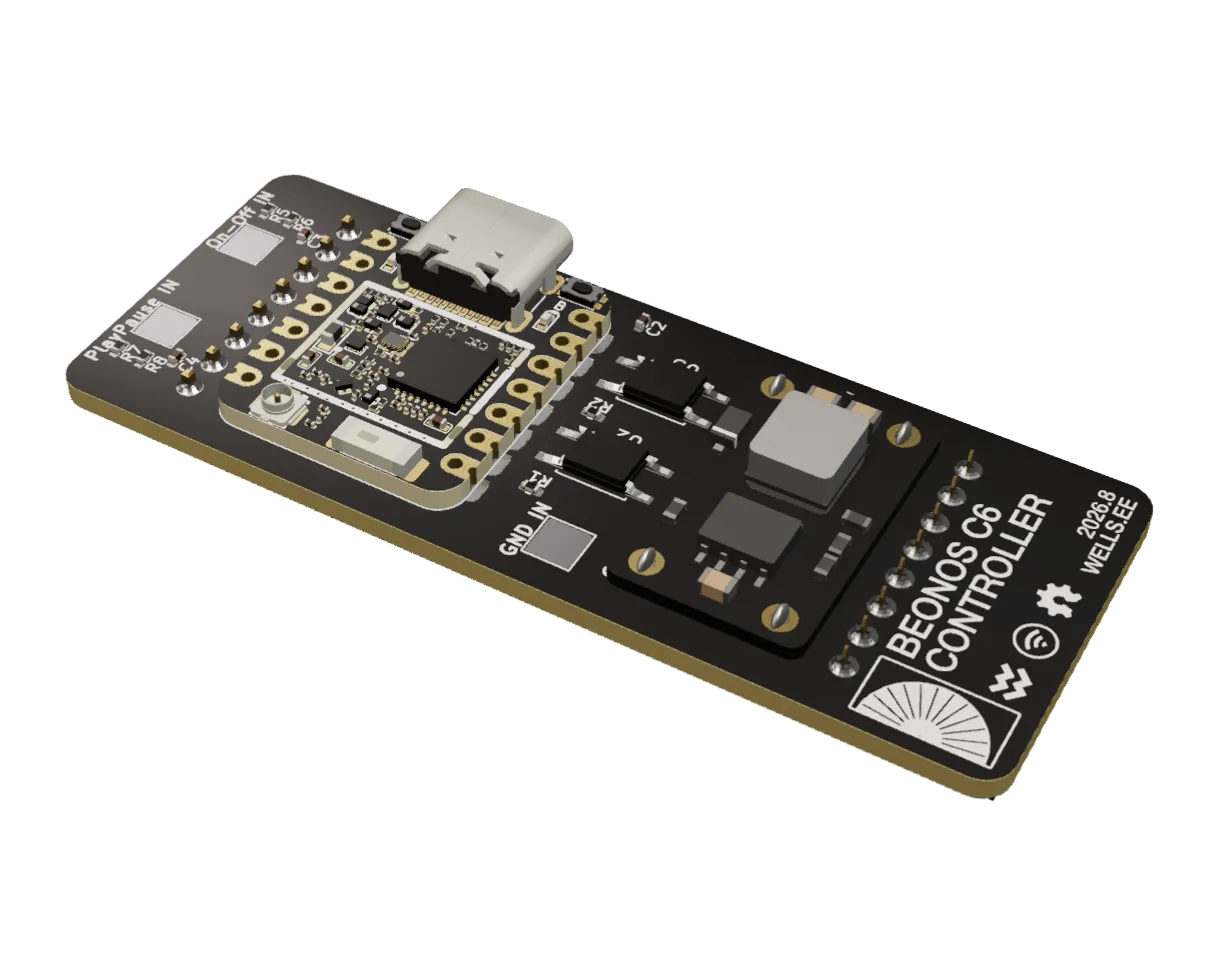 $69.00 · Buy DIY kit (pre-soldered)
DIY kit (pre-soldered)
the tricky soldering already done
-
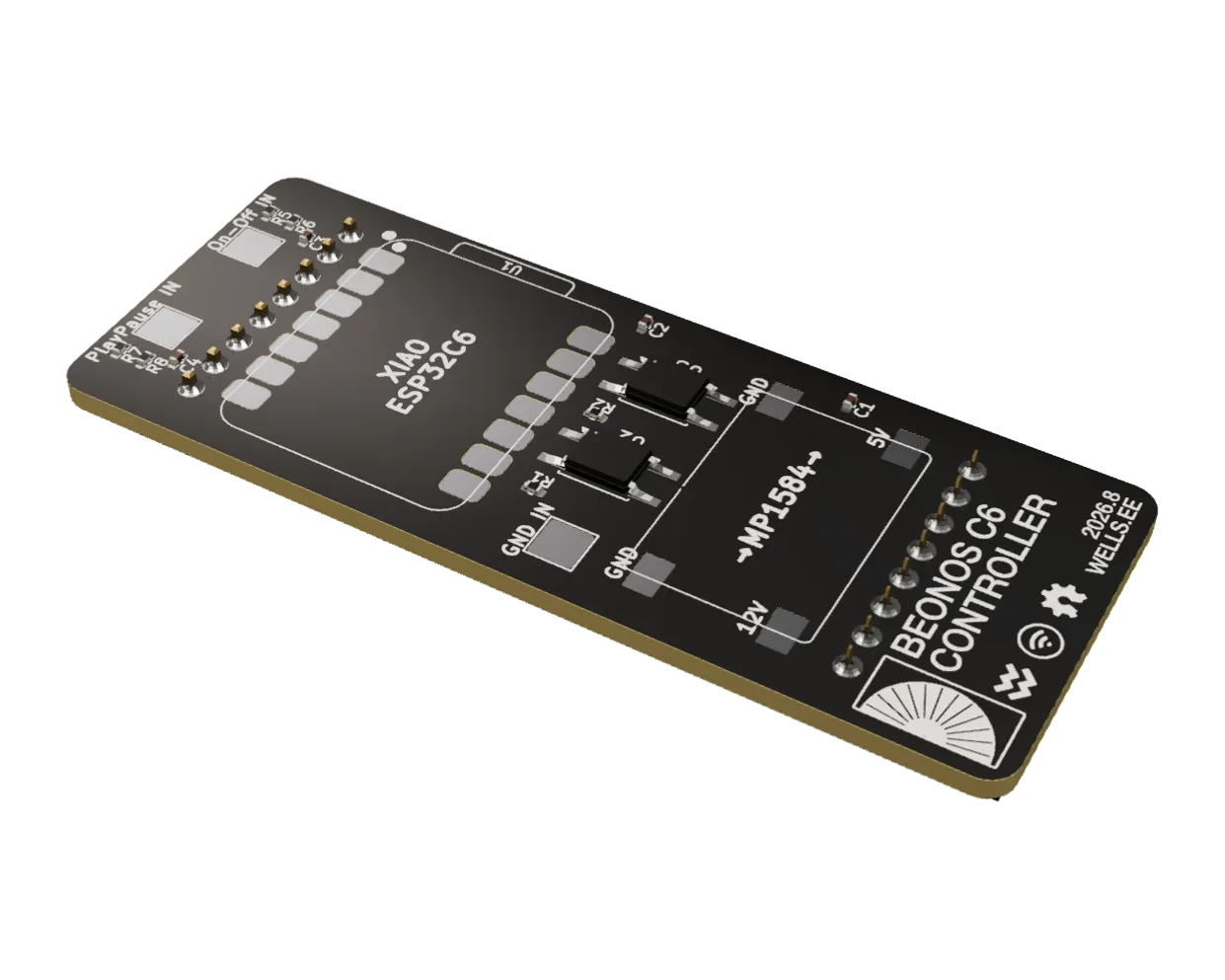 $39.00 · Buy DIY kit
DIY kit
the board built but for the XIAO and the buck module
Supported turntables
I built and tested Beonos on a Beogram RX 2. The Beogram 1800, 2000, and 5000 share its control board, so the splice is the same on them: I’ve confirmed that from their service manuals. The Beogram RX very likely works too, but I haven’t verified it yet.
It won’t work on the Beogram 2200, which wires its speed switches straight to the control board with no separate keyboard, on tangential-arm Beograms (the 4002, 8000, 6500, 7000, 9000, 5005, and their relatives), which use a different arm and control system entirely, or on radial decks from before 1983, which predate this microcomputer control.
What you need
- A compatible Beogram, from the list above
- A Beonos kit ·
 Shop
Shop - For the DIY kit: a XIAO ESP32-C6 and an MP1584 buck module · Shop
- For the DIY kit: a soldering iron
- Three jumper wires, for the three sense leads · Shop
- 2.4 GHz Wi-Fi
- Optional: a Sonos speaker with Line-In
- Optional: Home Assistant, for your own automations
Setting it up
The firmware is  ESPHome. The pre-soldered kit comes with it installed. For the DIY kit, flash it over USB-C once; after that, updates go over the air:
git clone https://github.com/wr/beonos
cd beonos
pip install esphome
cp secrets.yaml.example secrets.yaml   # then add your Wi-Fi
esphome run beogram-rx2.yaml
Once Beonos joins your Wi-Fi, it shows up in Home Assistant. Set its Sonos IP to your speaker’s address. That’s the only setup: it finds everything else from the speaker when it starts.
Questions
How do I know if my Beogram is compatible?
Look for a control board stamped 8005117, a 24-pin chip marked B040680 or ETL 5410N, and a keyboard on its own cable whose buttons switch +12 V.
Where does it get its power?
From the turntable’s own button cable: a small buck module steps the 12 V button rail down to 5 V. It never taps the turntable’s 5.3 V supply.
What does Home Assistant see?
Whether the turntable is on and playing, what the Sonos is doing and whether it’s on Line-In, and buttons to press the turntable’s Play/Pause and Cue, and to switch the Sonos to Line-In.
Beonos’s hardware and software are licensed under  CC BY-NC-SA 4.0. It’s free and open source, and donations are deeply appreciated: they make ongoing development and support possible.