Apple II Terminal Claude Code, on a floppy disk.
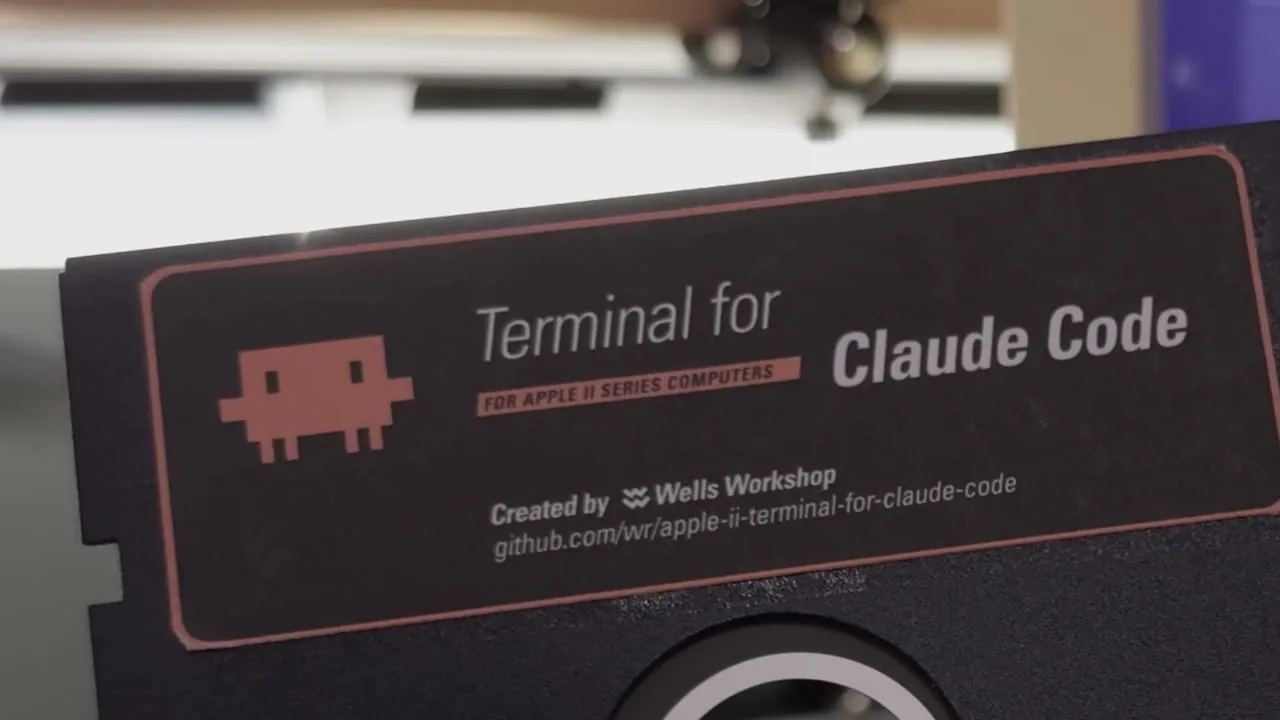
The Apple II shipped with a 5¼-inch drive and a serial port, and both still work. So I made a bootable floppy that turns an Apple II into a terminal for  Claude Code: boot it, dial a Wi-Fi modem, and you’re talking to the real
 claude CLI on a modern computer in the next room. Turn the disk over, and side 2 does the same for  Codex.
It’s not a chat toy. The backend is the actual, agentic Claude Code, and the clients are bare-metal 65816 and 6502 code that draws the whole interface itself. A IIgs gets a Super Hi-Res client with a scrolling transcript and a thinking spinner; every other Apple II gets a text client from the same disk. And when you press Connect, it plays the 1986 dial-up sound: dial tone, touch-tones that spell C-L-A-U-D-E, ring, and answer tone.
No model runs on the Apple II. It sends the line you typed and draws the reply it gets back. The work happens on the modern computer, where one Python script, the bridge, sits between the serial link and the CLI.
I filmed the whole build end-to-end, which you can find on  YouTube.
Get the disk
I sell the disk ready to boot: a real two-sided disk with its printed labels, each side written and booted on a real Apple II before it goes in the envelope.
-
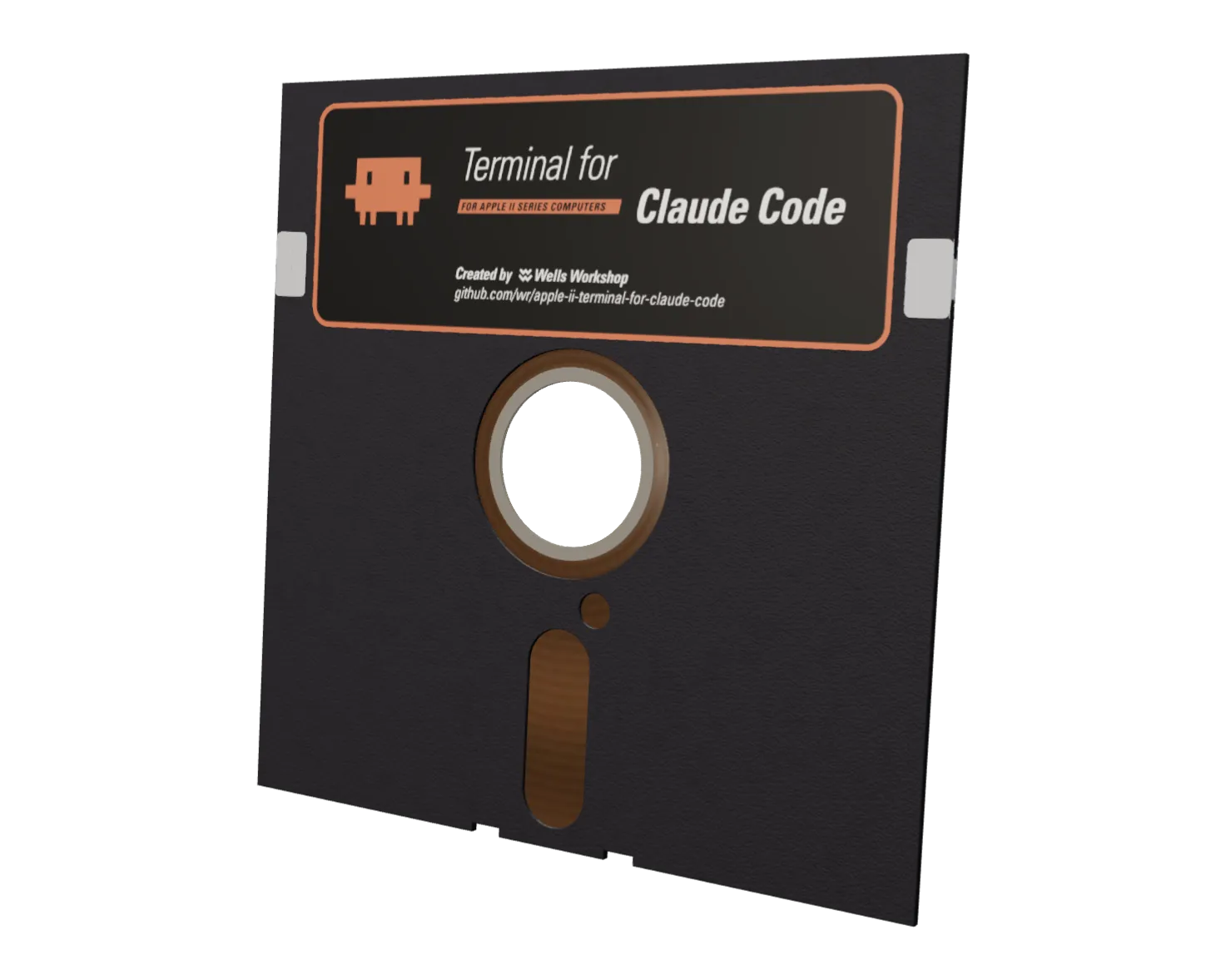 $29.00 · Buy Apple II Terminal
Apple II Terminal
What you need
On the Apple II
- An Apple II with a 5¼-inch drive in slot 6 · Compatibility
- A serial port: the IIc and IIgs have one built in, and a IIe or II+ needs a Super Serial Card in slot 2
- A Hayes-compatible Wi-Fi modem, such as the WiModem 232, or a serial cable straight to the computer ·
 CBM Stuff
On the modern computer
- Python 3.10 or newer
- Claude Code or the Codex CLI, installed and logged in with your own account
Setting it up
-
Start the bridge on the computer with Claude Code:
git clone https://github.com/wr/apple-ii-terminal-for-claude-code cd apple-ii-terminal-for-claude-code python3 ./bridge/bridge.py --telnet --app --backend code --workdir ~/your-project--workdiris the project Claude Code works in. It reads and writes files and runs commands there, so point it at the one you actually want. -
Point the modem at the bridge. Store the bridge’s address as phone book entry 0, then save:
AT&Z0=192.168.1.50:6400
AT&W
Most Wi-Fi modems leave the factory at 300 or 1200 baud, and the disk talks at 9600, so set that once (a WiModem wants
AT*B9600).Modem setup covers the modems that have been tried. -
Put the disk in drive 1 and turn the Apple II on.
-
Pick Connect from the menu. With any luck, it connects to the bridge on its own!
Run the bridge on a trusted home network only. It talks plaintext, and in code mode it hands whoever connects a shell on your computer, so never port-forward it or expose it to the internet. A new caller pairs with a one-time code that the bridge prints on its own console.
Questions
Does Claude run on the Apple II?
No. The Apple II is the terminal: it sends what you type and draws the reply. Claude Code runs on the modern computer, and the Apple II never talks to Anthropic or OpenAI directly.
Which Apple IIs work?
I’ve tested the IIgs and the IIc on real hardware, and the 80-column IIe in an emulator. The 40-column IIe, the IIc Plus, and the II and II+ should work but haven’t been tried. The compatibility table keeps track.
Can I try it in an emulator?
Yes. I used  KEGS: set drive s6d1 to
 CLAUDE.dsk and the serial port in slot 2 to Incoming, then start the bridge with --connect 127.0.0.1:6502 in place of --telnet.
What’s on side 2?
The same terminal for the Codex CLI. Turn the disk over to boot it; its bridge is in the Codex repo.
Does the disk come with a Claude account?
No. There’s no account, credit, or key on it: the CLI on your computer uses your own.
Apple II forever!
The project’s own code is MIT, © 2026 Wells Riley. The disk images also carry third-party material the MIT grant doesn’t cover, including Apple’s DOS 3.3.
This is an independent fan project, not affiliated with or endorsed by Anthropic or OpenAI. “Claude” and “Claude Code” are Anthropic’s trademarks, and “Codex” is OpenAI’s.